
आपका catalogue,
आपके control में।
Products को उनके सभी variants के साथ बनाएं, हर location पर stock track करें, और अपने catalogue को ऐसे collections में organize करें जो खुद update होते रहें। आपके customers जो देखते हैं और आपको ship करने के लिए जो चाहिए — सब एक ही जगह।
Variants एकदम सही तरीके से
Size, colour, material: हर variant की अपनी price, SKU और stock level।
सभी locations पर stock
Main warehouse, logistics partner, AliExpress: हर variant के लिए हर location में available quantity देखें।
Collections जो खुद update हों
Rules के साथ automated collections बनाएं, और नए products बिना कुछ किए सही जगह पहुंच जाएं।
Catalogue manage करने के लिए जो भी ज़रूरी है
पहले product बनाने से लेकर कई warehouses में stock चलाने तक, Ekomspace आपको clear screens देता है — कोई ग़ैरज़रूरी steps नहीं।
पूरे product pages, झटपट
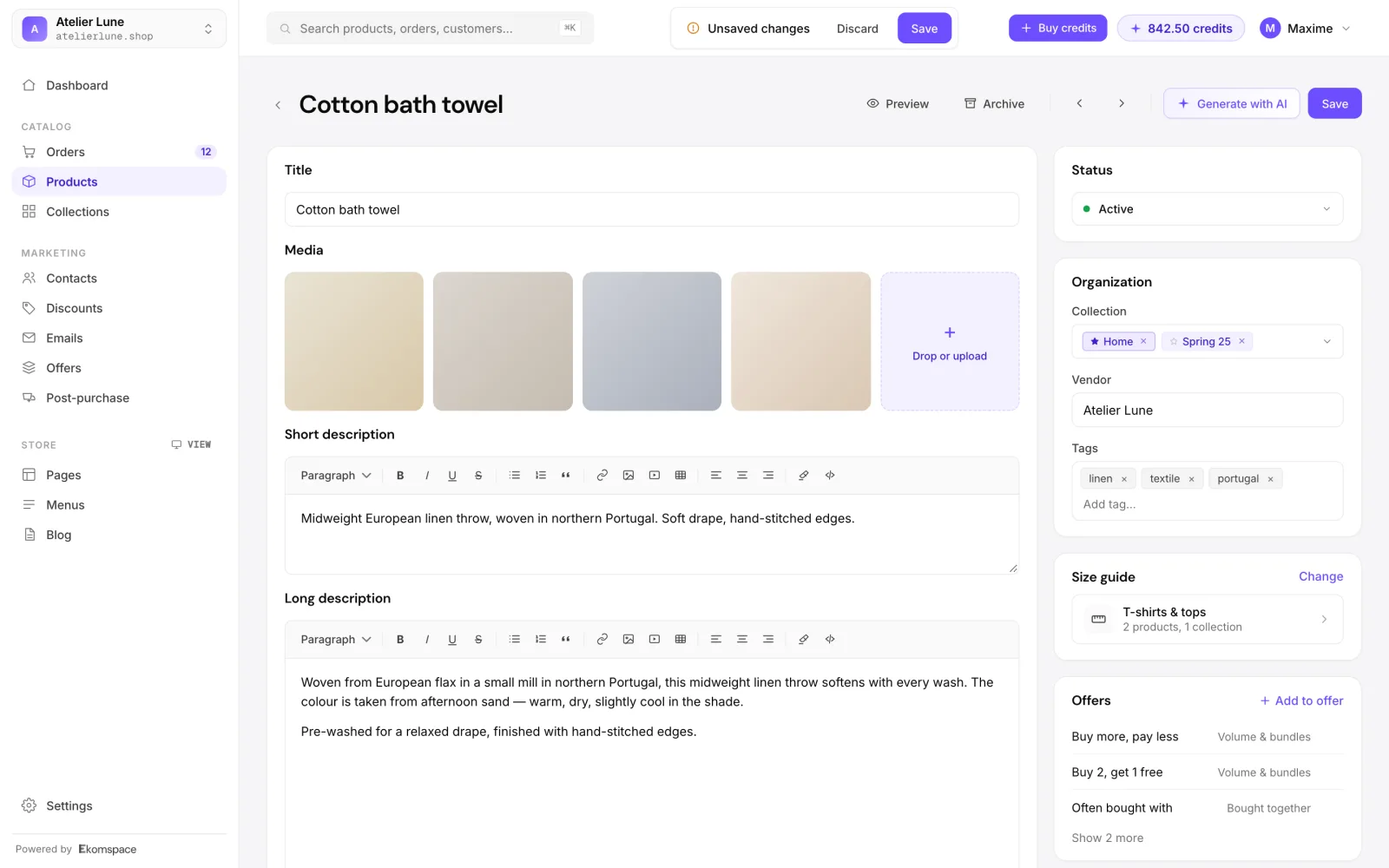
Photos, short और long description, vendor, tags और collections — सब एक ही screen पर add करें। Ideas नहीं सूझ रहे? "Generate with AI" button आपके लिए descriptions लिख देता है।
- Drag and drop upload के साथ media gallery
- Rich text editor के साथ short और long descriptions
- Catalogue organize करने के लिए vendor, tags और collections
- Product के साथ attached size guide
- Active, draft या archived status
Variant और location के हिसाब से stock
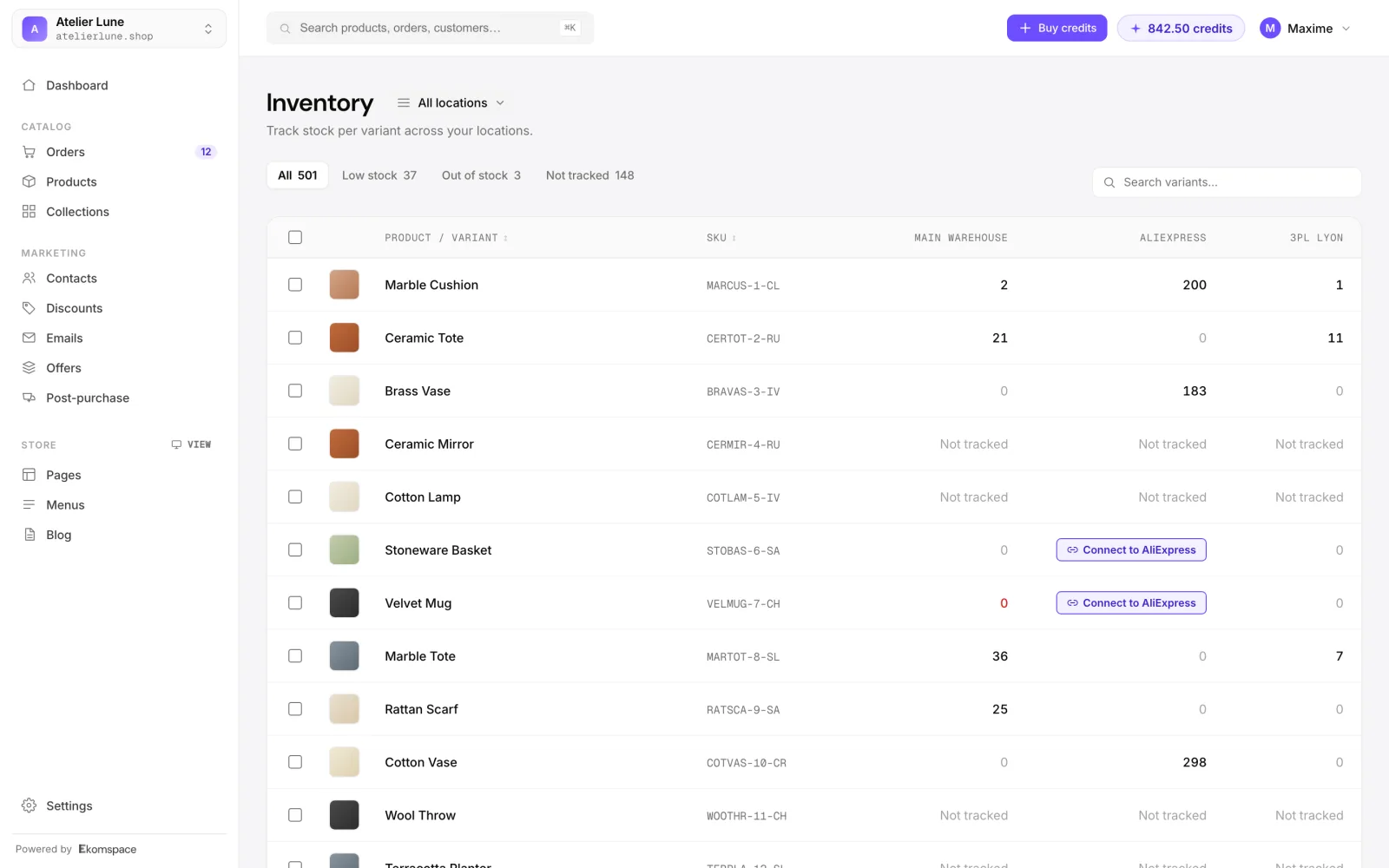
Inventory screen हर variant को उसके SKU और हर location में quantity के साथ दिखाती है। एक click में filter करें और देखें कि क्या कम हो रहा है या out of stock है।
- Multiple warehouses और locations
- हर variant के लिए location के हिसाब से stock
- Low stock, out of stock और not tracked filters
- समय पर restock के लिए low-stock alerts
- AliExpress suppliers से linked variants
Manual और automated collections
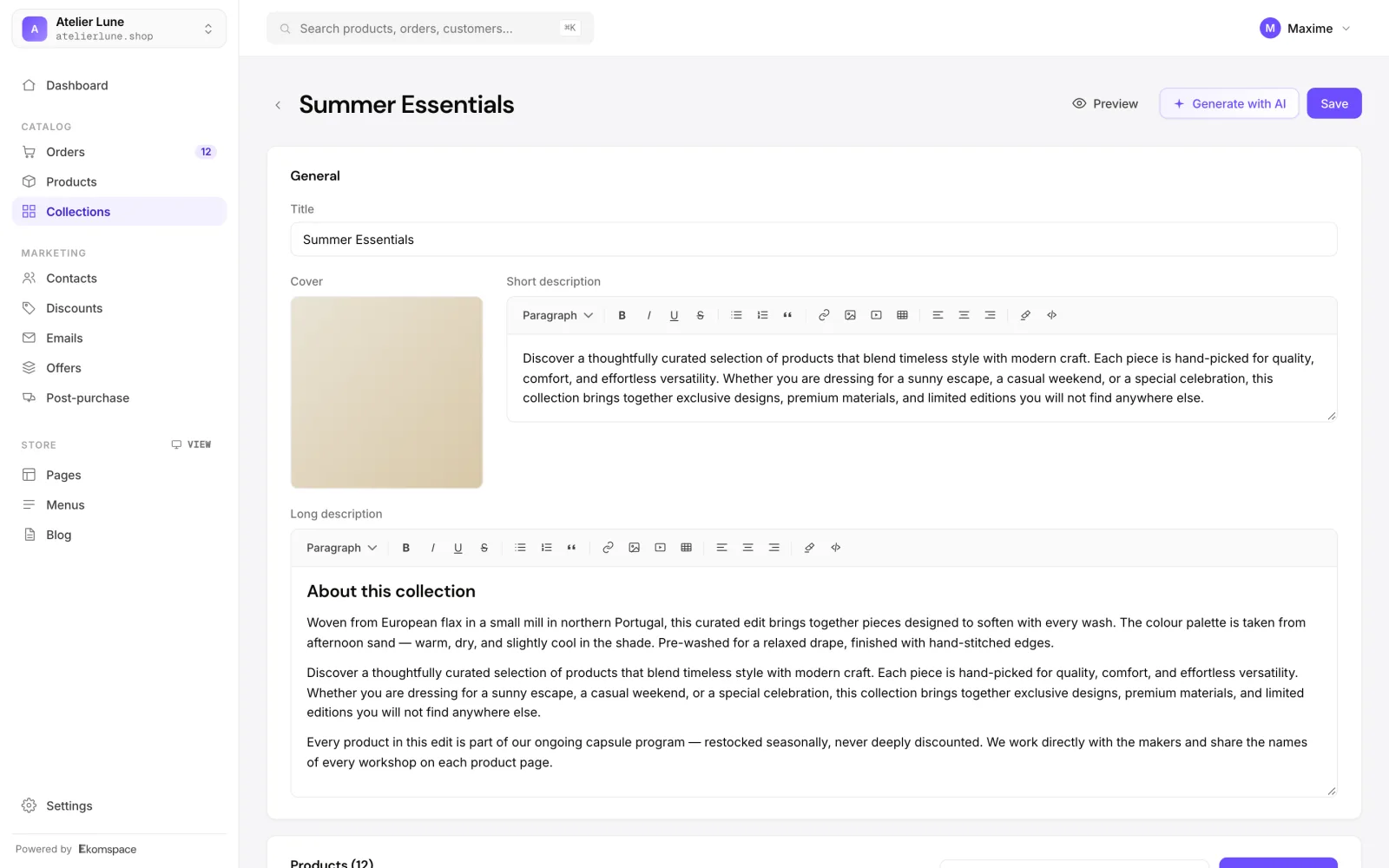
Products को वैसे group करें जैसे आपके customers shop करते हैं। Products हाथ से चुनें, या "30 € से कम price" या "tag में linen है" जैसे rules set करें और collection खुद भर जाए।
- Curated selections के लिए manual collections
- Rules पर based automated collections
- Cover image, short और long description
- एक click में AI से generate की गई descriptions
साफ product list और import
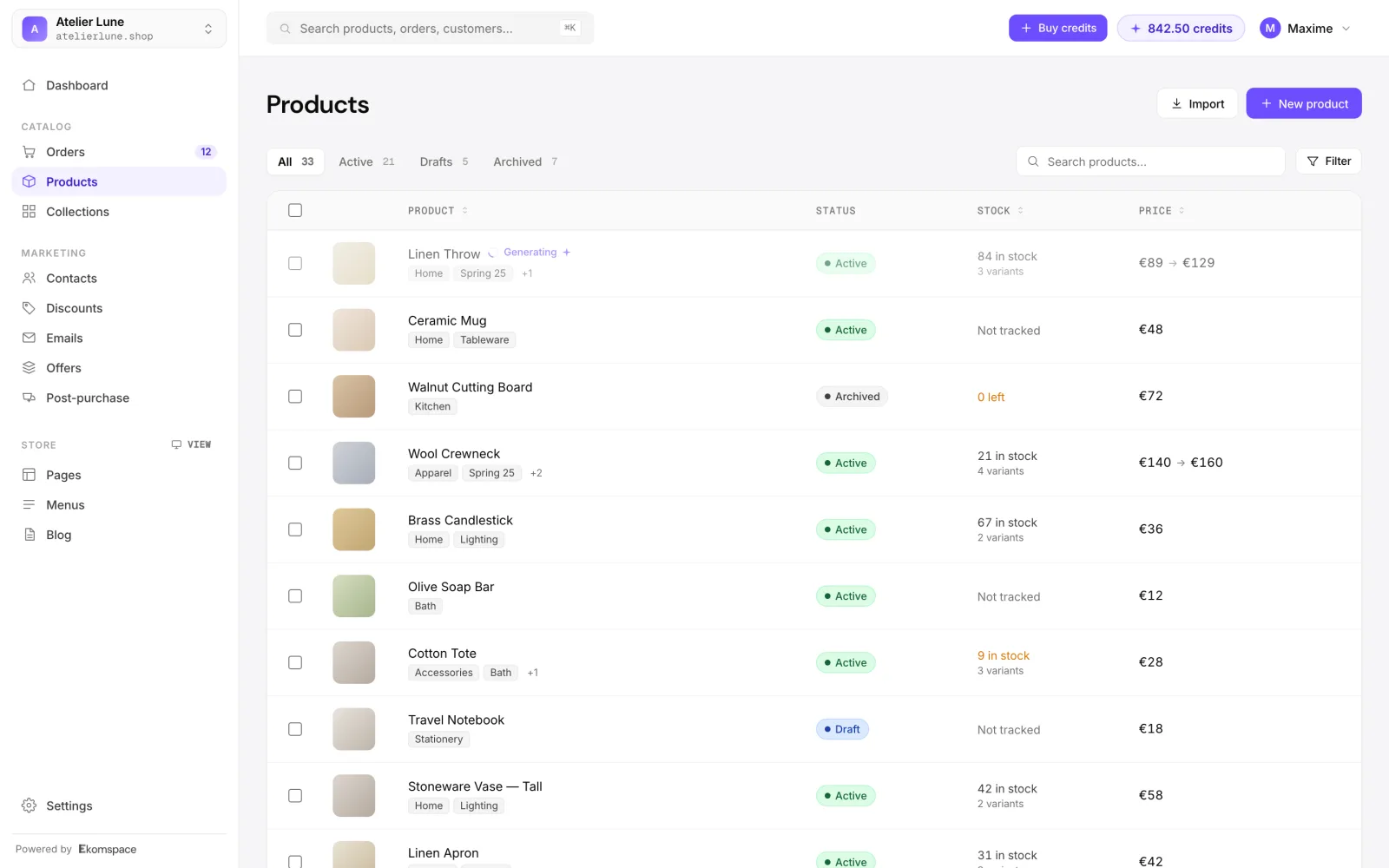
Status, stock या price से किसी भी product को seconds में ढूंढें। नए हैं या किसी दूसरे platform से आ रहे हैं? Products को एक-एक करके बनाने की बजाय import करें।
- सभी, active, draft और archived products के लिए tabs
- Stock और variants की संख्या एक नज़र में
- Search और filters
- Product import
तीन steps में आपका catalogue तैयार
Products add या import करें
Products एक-एक करके बनाएं या अपना existing catalogue import करें।
Variants और stock set करें
Sizes और colours add करें, फिर हर location के लिए prices, SKUs और quantities enter करें।
Collections में organize करें
Manual या automated collections बनाएं और जहाँ ज़रूरत हो size guides attach करें।
अक्सर पूछे जाने वाले सवाल
कितने products add किए जा सकते हैं?
Starter plan पर 500 products तक, और Pro और Business plans पर unlimited products।
क्या कई warehouses में stock manage किया जा सकता है?
हाँ। आप कई locations बना सकते हैं, जैसे कि अपना खुद का warehouse या logistics partner, और हर location में हर variant का stock track कर सकते हैं।
Automated collection क्या होता है?
यह एक ऐसा collection है जो हाथ से नहीं, बल्कि rules से भरता है — जैसे "30 € से कम price" या "tag में linen है"। Rules से match करने वाले products automatically add हो जाते हैं।
क्या stock खत्म होने से पहले warning मिलेगी?
हाँ। Low-stock alerts उन variants को flag करते हैं जिन्हें restock की ज़रूरत है, और inventory screen में dedicated low stock और out of stock filters हैं।
क्या किसी दूसरे platform से products import किए जा सकते हैं?
हाँ, products list में Import button है। Shopify से आ रहे हैं? Built-in import tool — हर plan पर available — आपका पूरा store ले आता है। WooCommerce, Wix या PrestaShop से, Ekomspace की team आपके लिए migrate करती है, जो Pro plan से या किसी भी 12- या 24-महीने के plan पर शामिल है।
क्या size guides add की जा सकती हैं?
हाँ। एक बार size guide बनाएं और जिन products या collections को ज़रूरत हो, उनमें attach करें।
और फीचर्स एक्सप्लोर करें
AliExpress dropshipping
एक click में AliExpress पर order करें, एक या bulk में, addresses भरे हुए और tracking sync। Built-in, कोई extra app नहीं।
और जानें →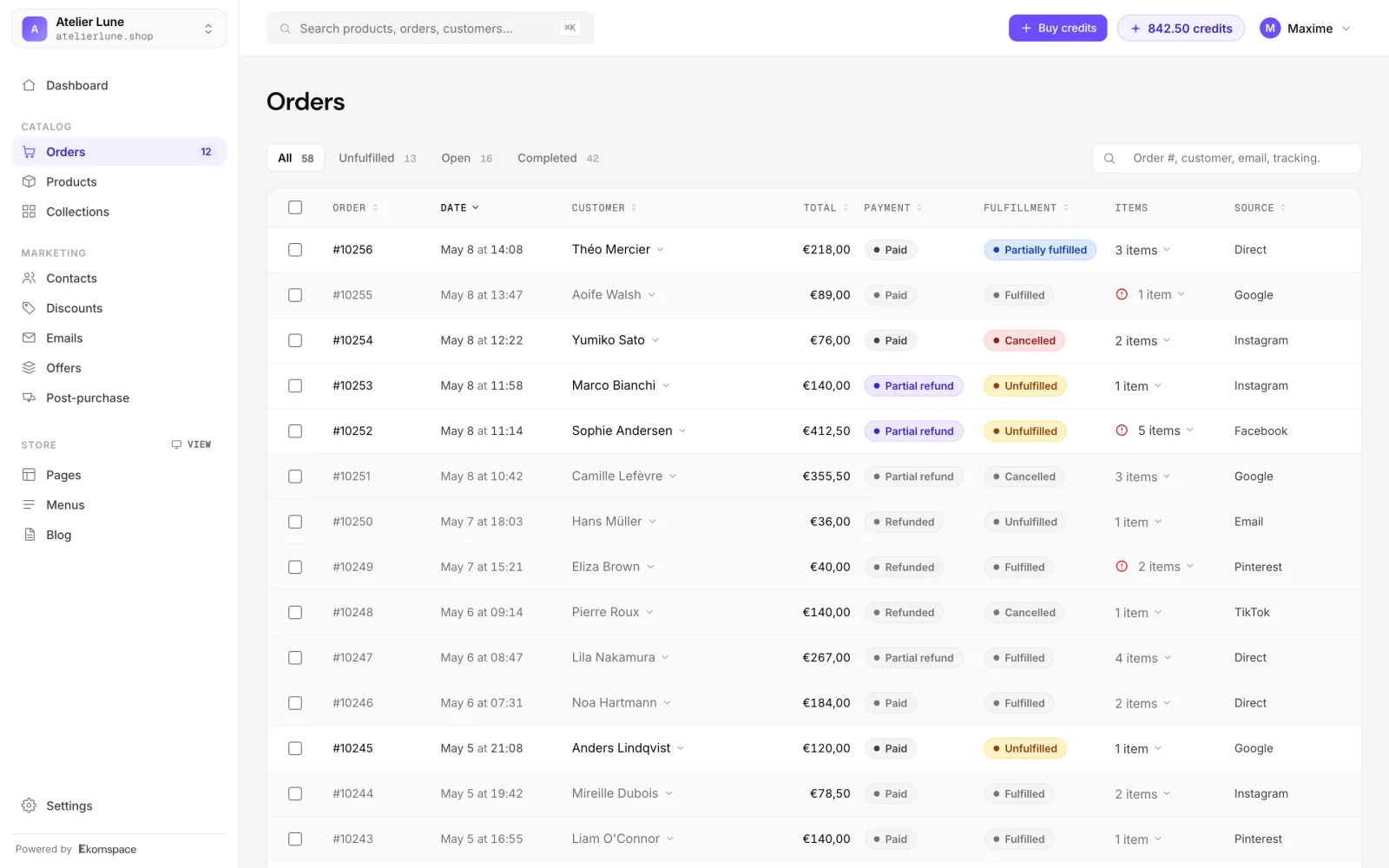
Orders & shipping
Orders list और detail, statuses, packing slips, warehouse-wise fulfilment, shipping zones और automatic rates।
और जानें → AI प्रोडक्ट डिस्क्रिप्शन
AI से प्रोडक्ट और collection डिस्क्रिप्शन बनाएं, सीधे अपने catalogue में — फिर जैसे चाहें एडिट करें।
और जानें →अपने catalogue में order लाएं
- Variants की अपनी price, SKU और stock
- Multi-warehouse inventory
- Low-stock alerts
- Manual और automated collections