
A checkout that converts,
payments that just work.
Your checkout is where the sale happens, so on Ekomspace you edit it like any other page: fields, blocks and colours. Add the payment methods your customers expect and offers that raise the basket before they pay.
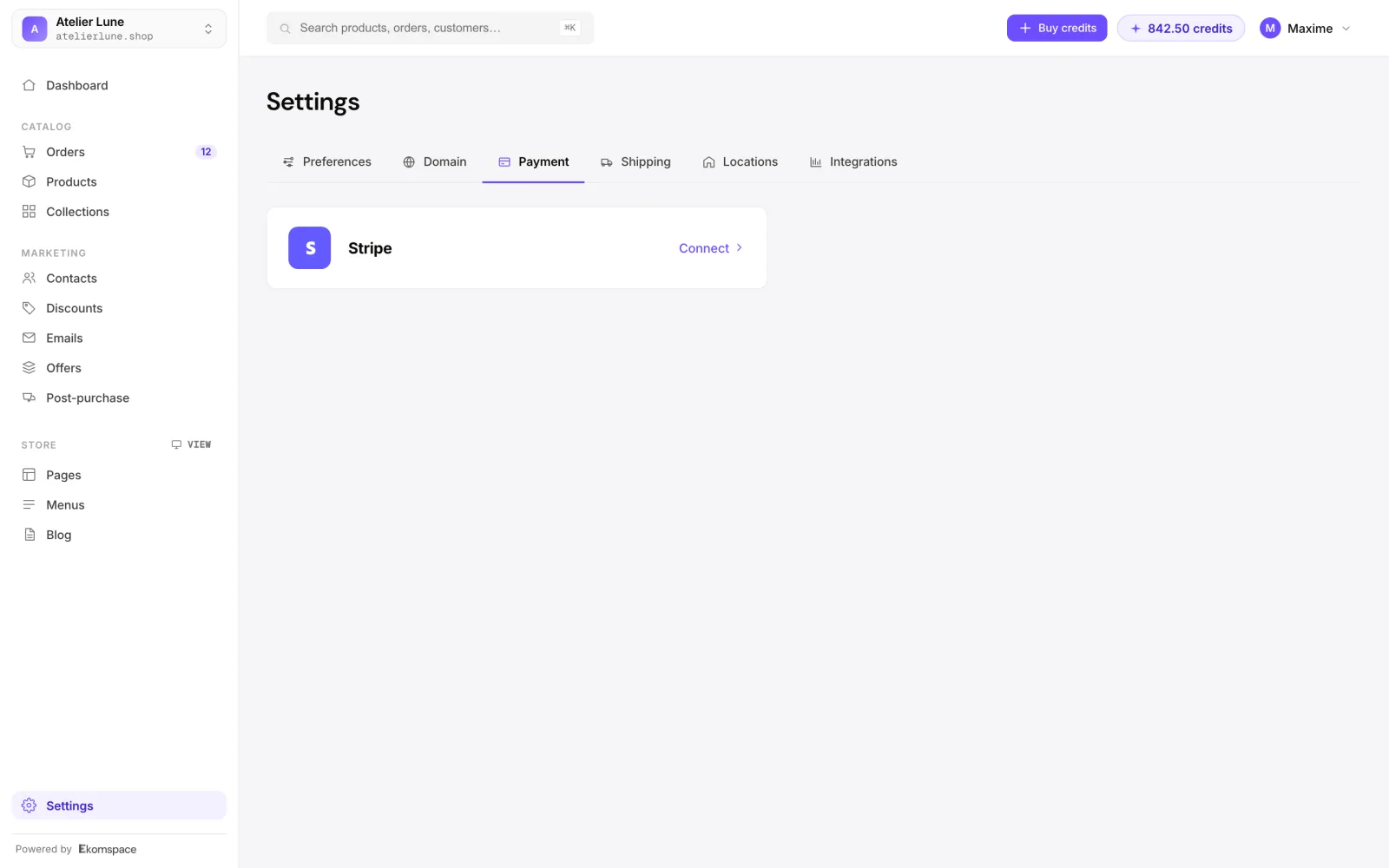
A checkout you fully edit
Fields, blocks, colours: the checkout is edited like your home, collection and product pages. No locked, generic payment page.
The payment methods buyers trust
Cards with Stripe, PayPal, Apple Pay, Google Pay and Klarna to let customers pay later. All built in.
A bigger basket before payment
Order bumps in the cart and at checkout appear at the right moment, so each order is worth more without extra ad spend.
Everything between the cart and the confirmation
Connect your payment providers, shape your checkout and add offers, all from your Ekomspace dashboard. No plugin to install, no extra subscription to manage.
Connect your payments in a few clicks
Payment settings sit in one tab. Connect Stripe to accept cards, add PayPal, Apple Pay and Google Pay for fast mobile payment, and Klarna so customers can pay later.
- Stripe for card payments
- PayPal for buyers who prefer it
- Apple Pay and Google Pay for one-tap payment
- Klarna to pay later
- Prices and payments in several currencies
A checkout as editable as the rest of your store
On Ekomspace, every page is editable: home, collections, product pages and the checkout too. Change the fields, move or add blocks, set your colours and reassurance messages, so buyers feel at home until the last click.
- Checkout fields, blocks and colours fully editable
- Cart and checkout edited in the same page builder as your other pages
- Your logo, colours and fonts from your theme
- Desktop and mobile preview
- Fast, responsive pages on every device
Order bumps and bundles that raise the basket
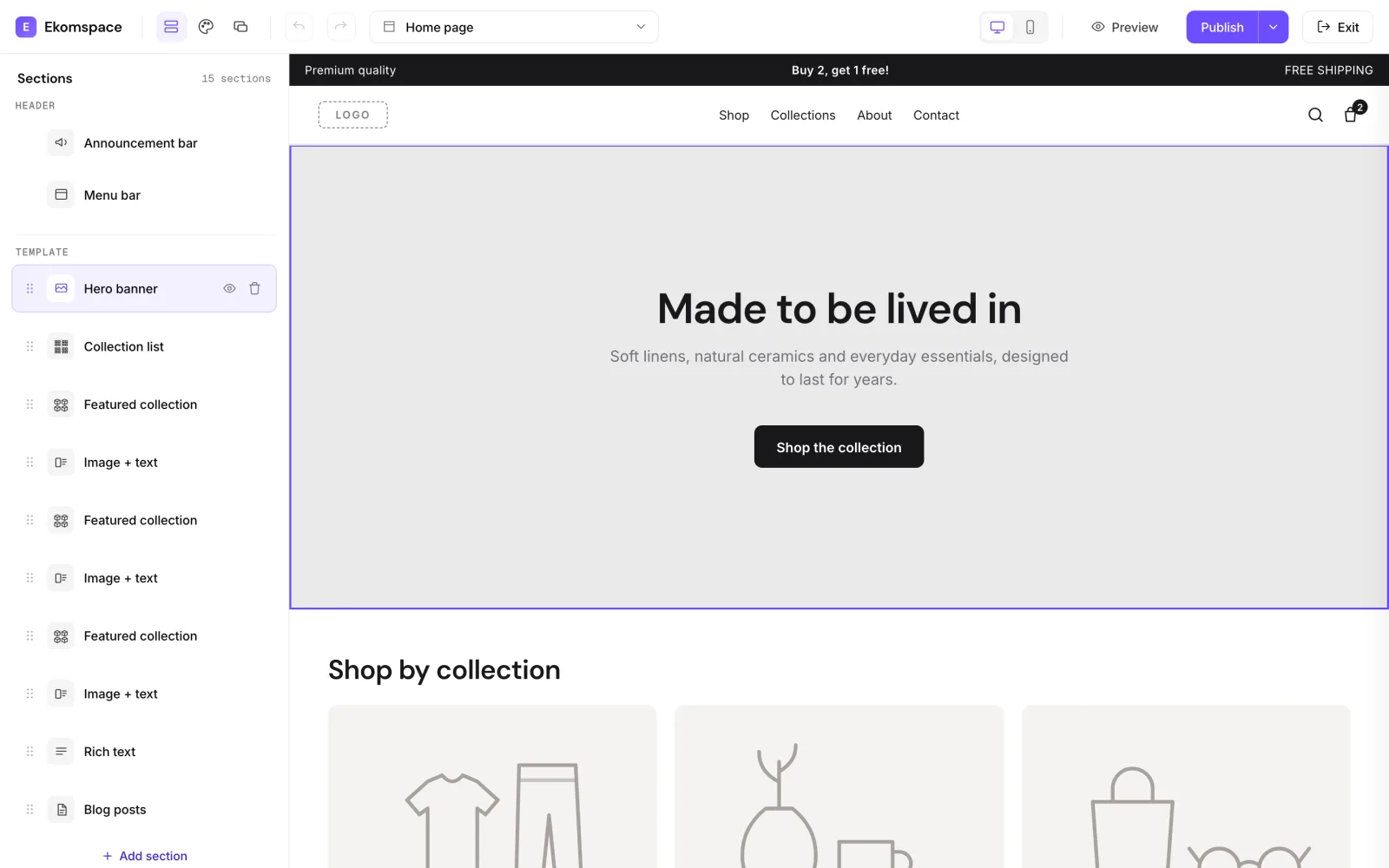
Add a complementary product, a quantity discount or a pack with a free gift. Offers are built into the store, so they show up in the buying journey without an extra app.
- Order bumps in the cart and at checkout
- Quantity breaks such as "Buy more, pay less"
- "Frequently bought together" packs with free gifts
- Choose whether offers combine with discount codes
Ready to take payments in three steps
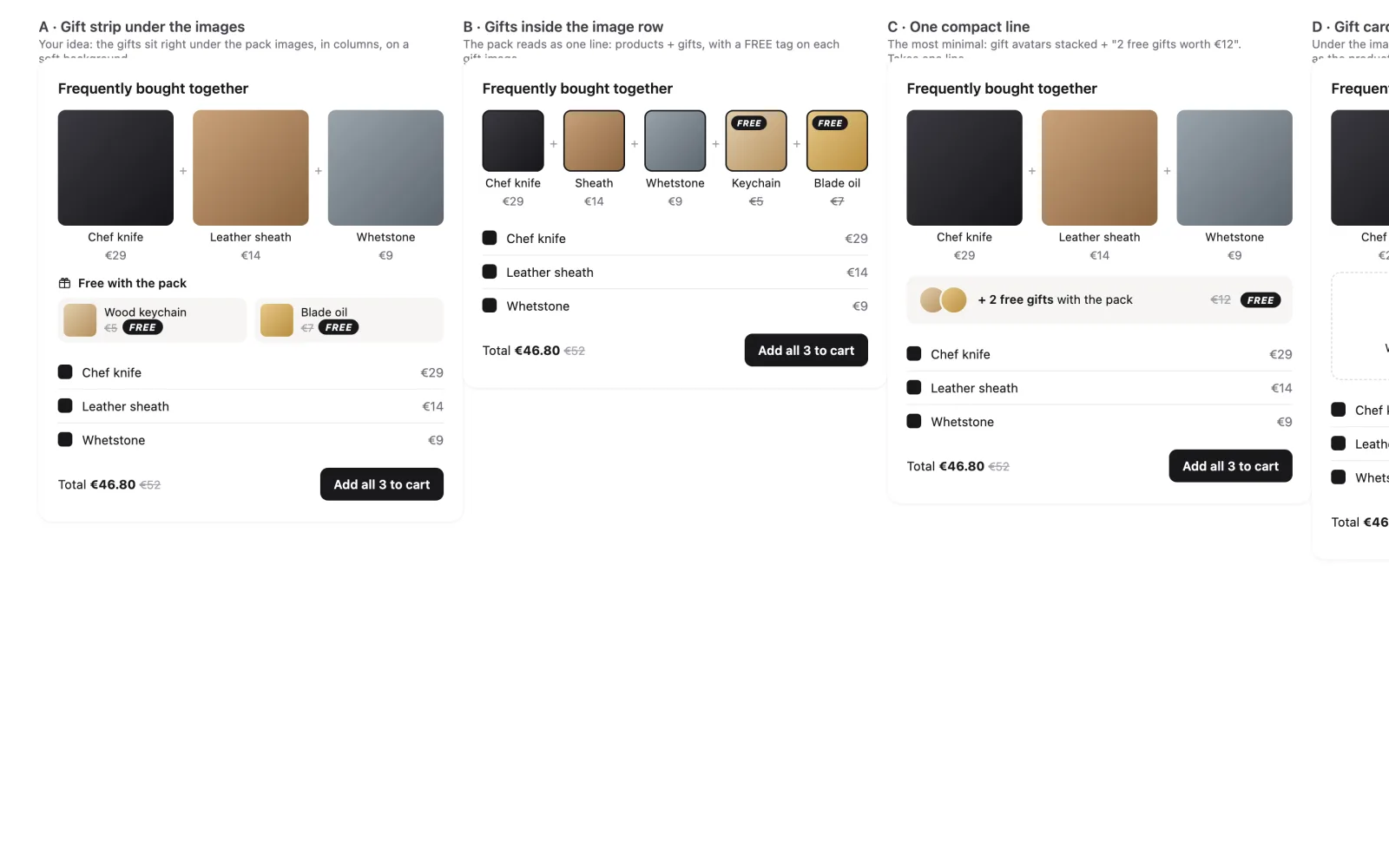
Connect your providers
Link Stripe and PayPal from the Payment tab of your settings, then turn on Apple Pay, Google Pay and Klarna.
Shape your checkout
Edit the checkout fields, blocks and colours in the page builder, like any other page.
Add your offers
Set up an order bump or a bundle so every buyer sees a relevant extra before paying.
Frequently asked questions
Which payment methods can I offer?
Stripe (cards), PayPal, Apple Pay, Google Pay and Klarna, which lets your customers pay later.
Can I customise the checkout?
Yes, fully. The checkout is edited like every other page of your store: you change its fields, blocks and colours in the Ekomspace page builder.
Can I sell in several currencies?
Yes. Ekomspace supports multi-currency, so you can display prices and take payments for customers in different countries.
Are there transaction fees?
Ekomspace charges a fee on sales that depends on your plan: 2% on Starter, 1% on Pro and 0.5% on Business. Your payment provider's own fees apply separately.
Can I add an order bump without an extra app?
Yes. Order bumps in the cart and at checkout, bundles and "Frequently bought together" offers are built into Ekomspace and managed from the Offers section of your dashboard.
Explore more features
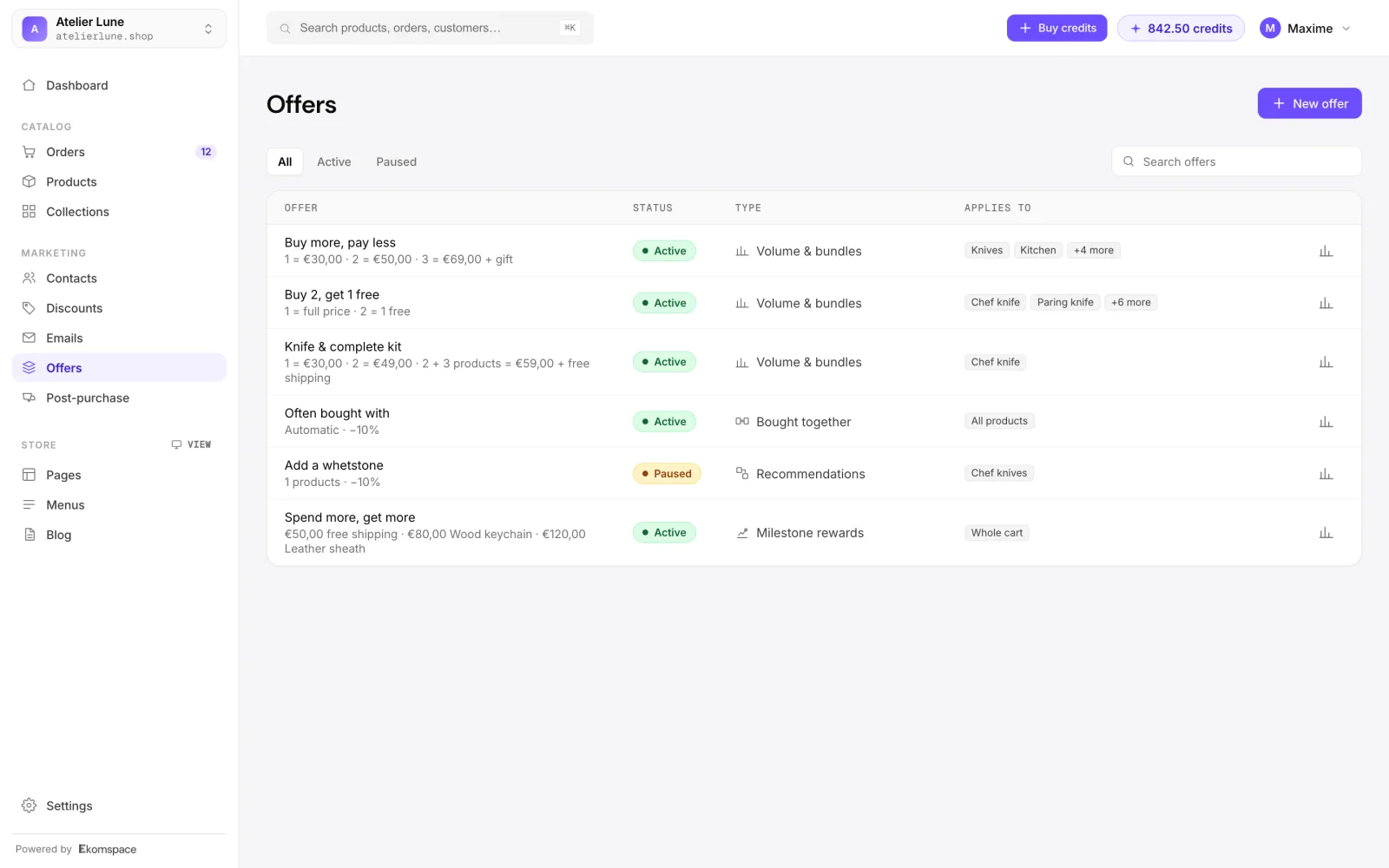
Upsells & order bumps
One-click post-purchase upsells, order bumps, bundles and milestone rewards, all native, with revenue per offer.
Learn more →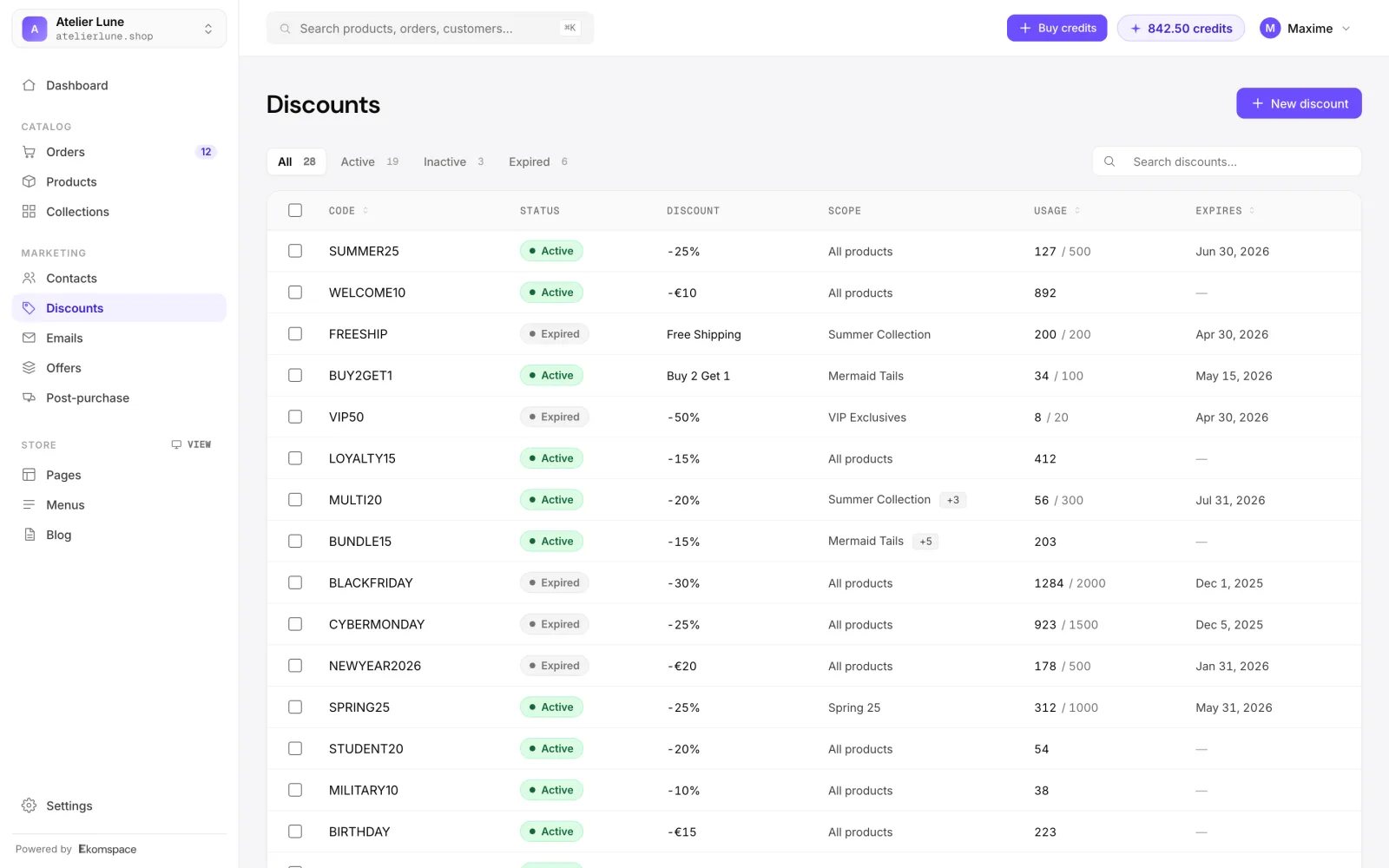
Discount codes
Percentage, fixed amount, free shipping and Buy X get Y codes, with conditions, dates, limits and usage stats.
Learn more →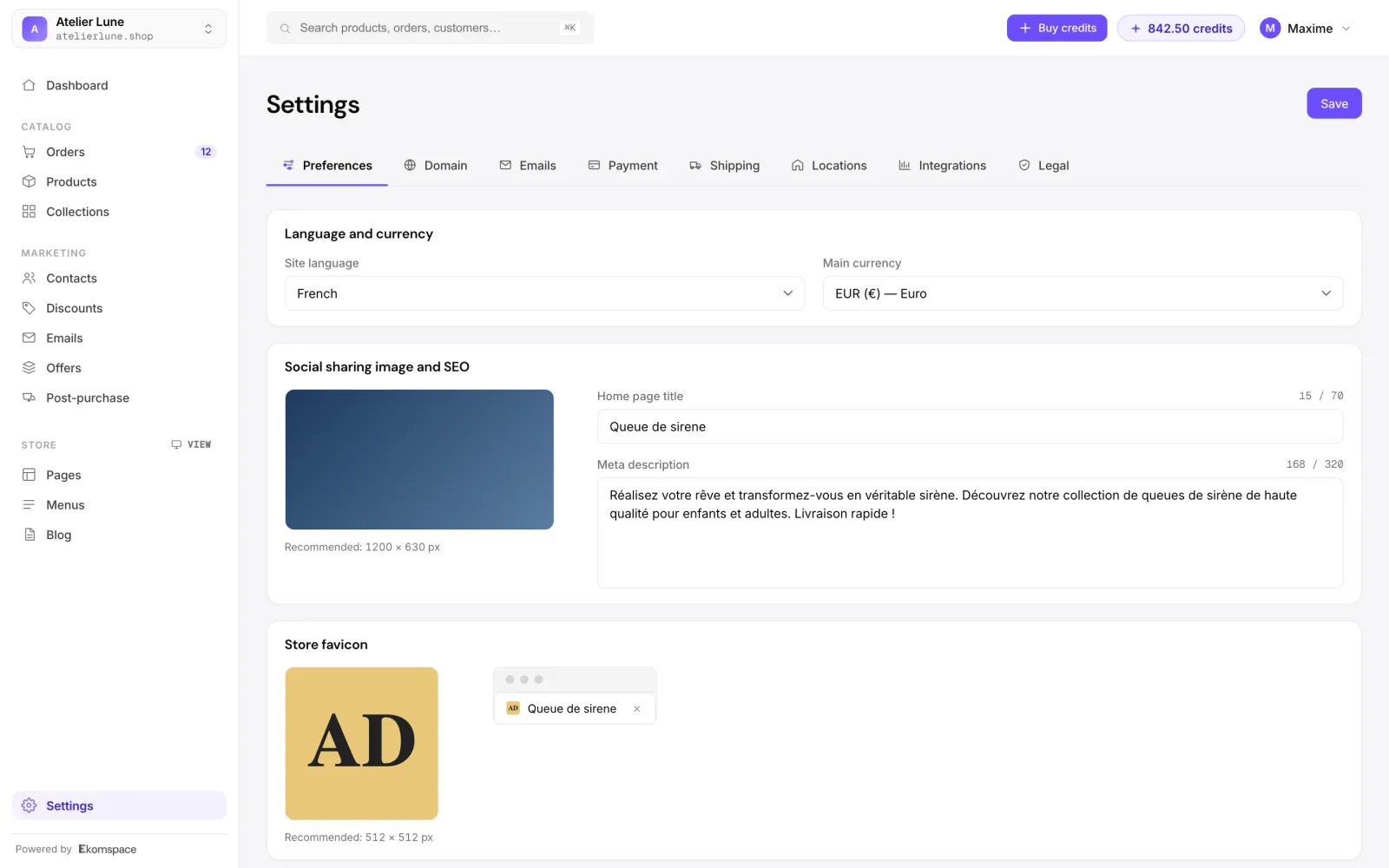
Sell internationally
Any language, one store per language on its own domain, all currencies on every store and shipping zones worldwide.
Learn more →Turn more carts into paid orders
- Stripe, PayPal, Apple Pay, Google Pay and Klarna
- A checkout you fully edit, like any page
- Multi-currency payments
- Order bumps and bundles built in