
From order
to doorstep.
Every order lands in a clear list with its payment and fulfilment status. Open it, print the packing slip, fulfil it from the right warehouse and let your shipping rates calculate themselves at checkout.
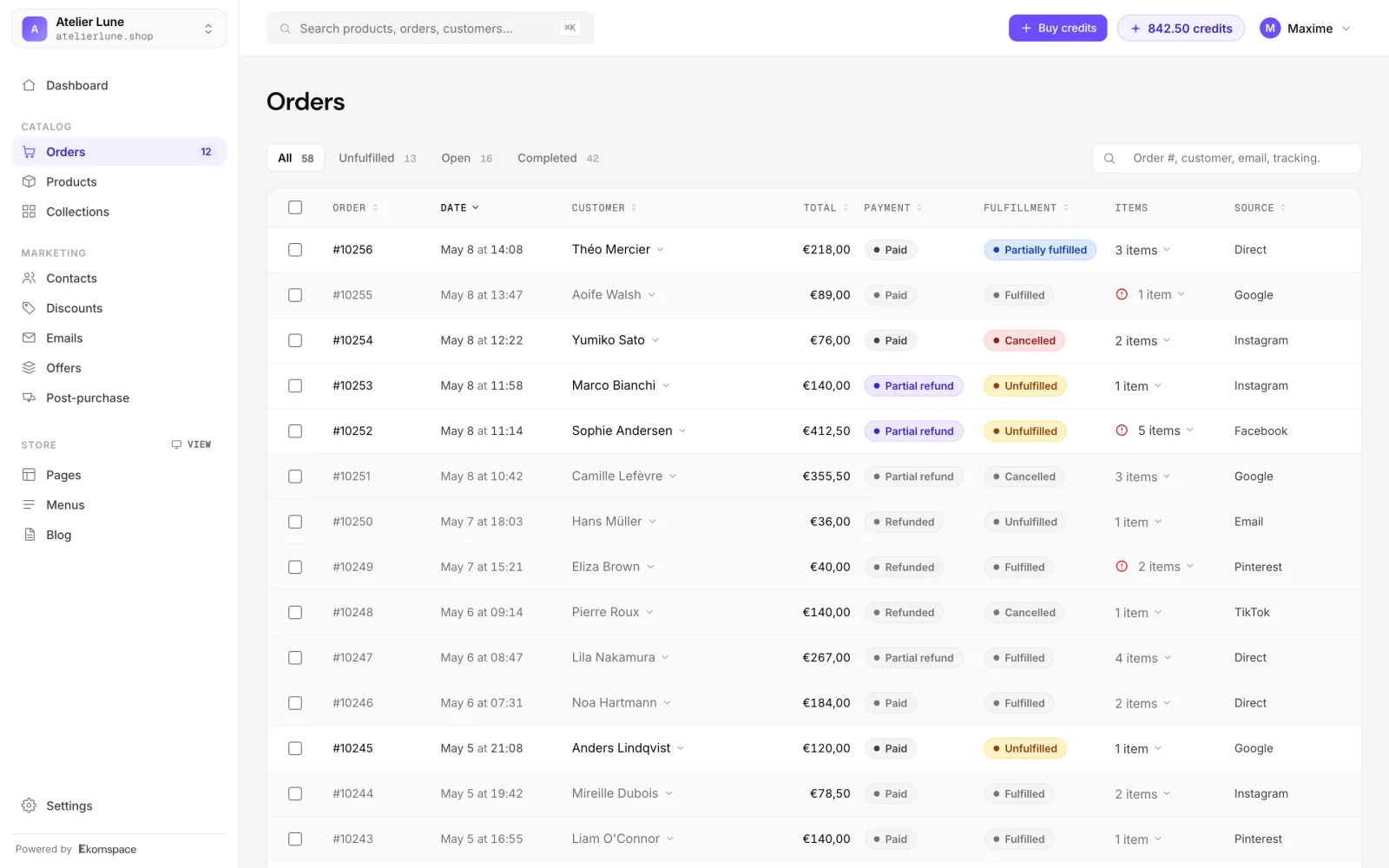
Every order, crystal clear
Payment, fulfilment and source are visible for every order, with tabs to see at once what is left to ship.
Fulfil from the right place
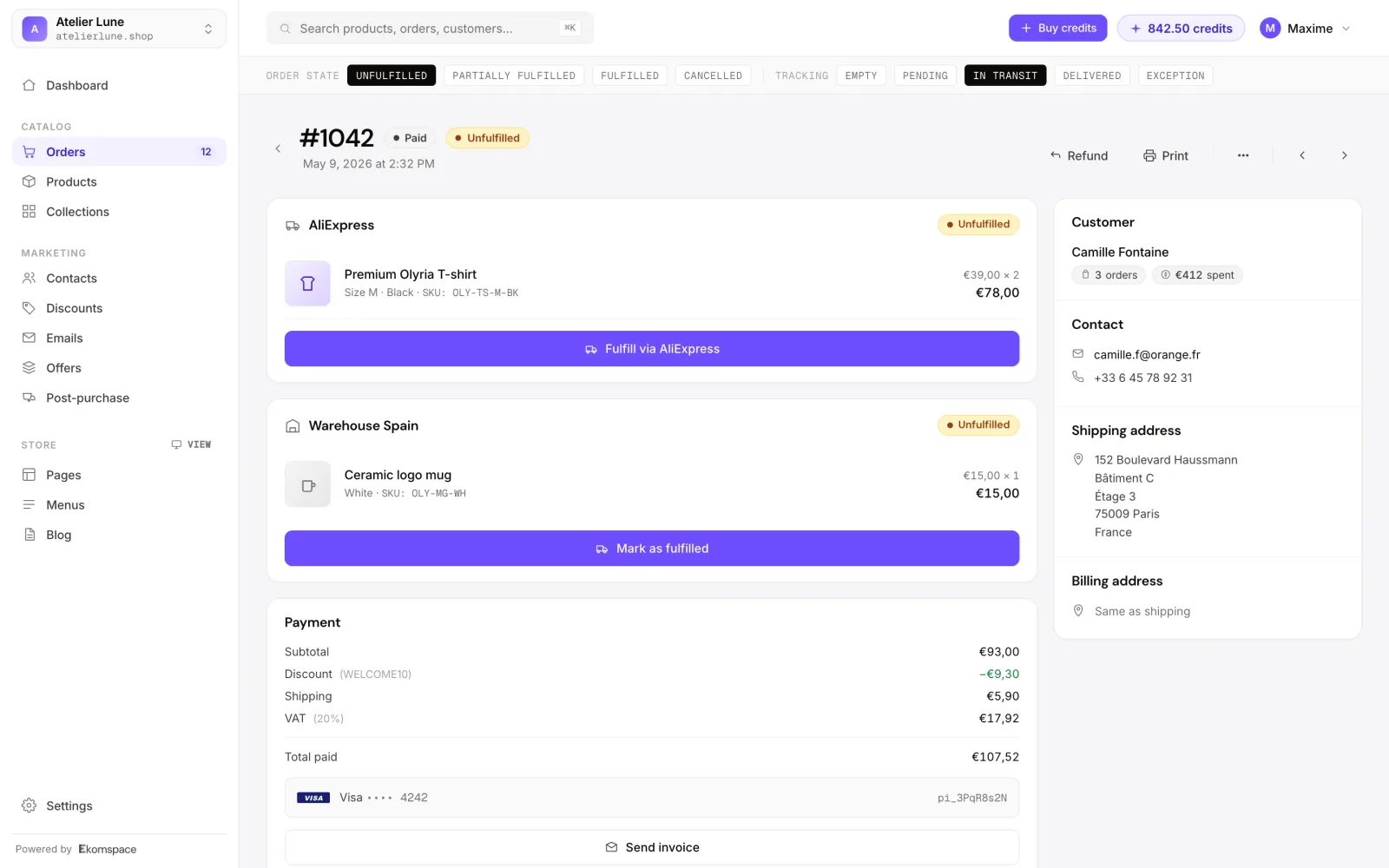
An order with items in several warehouses is split by location, so each part ships from where the stock is.
Shipping rates that calculate themselves
Set your zones and carriers once: rates are worked out from the destination, weight and dimensions.
Everything you need to process and ship your orders
Ekomspace keeps your day-to-day simple: one list to know what to do, one screen per order to do it, and shipping rules that run without you.
An orders list that tells you what to do
See all your orders with their date, customer, total, payment status and fulfilment status. Tabs separate unfulfilled, open and completed orders, so nothing slips through.
- Payment status: paid, partial refund, refunded
- Fulfilment status: unfulfilled, partially fulfilled, fulfilled, cancelled
- Source of each order: Instagram, Google, Facebook, Direct…
- Search by order number, customer, email or tracking
A detailed view of every order
Open an order to see the items, the customer, the shipping address and the payment summary. Items are grouped by warehouse, and AliExpress items go to your AliExpress cart in one click, with the shipping address filled in.
- Items grouped by warehouse, fulfilled separately
- "Order on AliExpress" for dropshipped items, tracking synced back
- Customer with order count and total spent, contact and addresses
- Payment summary: subtotal, discount, shipping, VAT and total
- Refund, print and send invoice actions
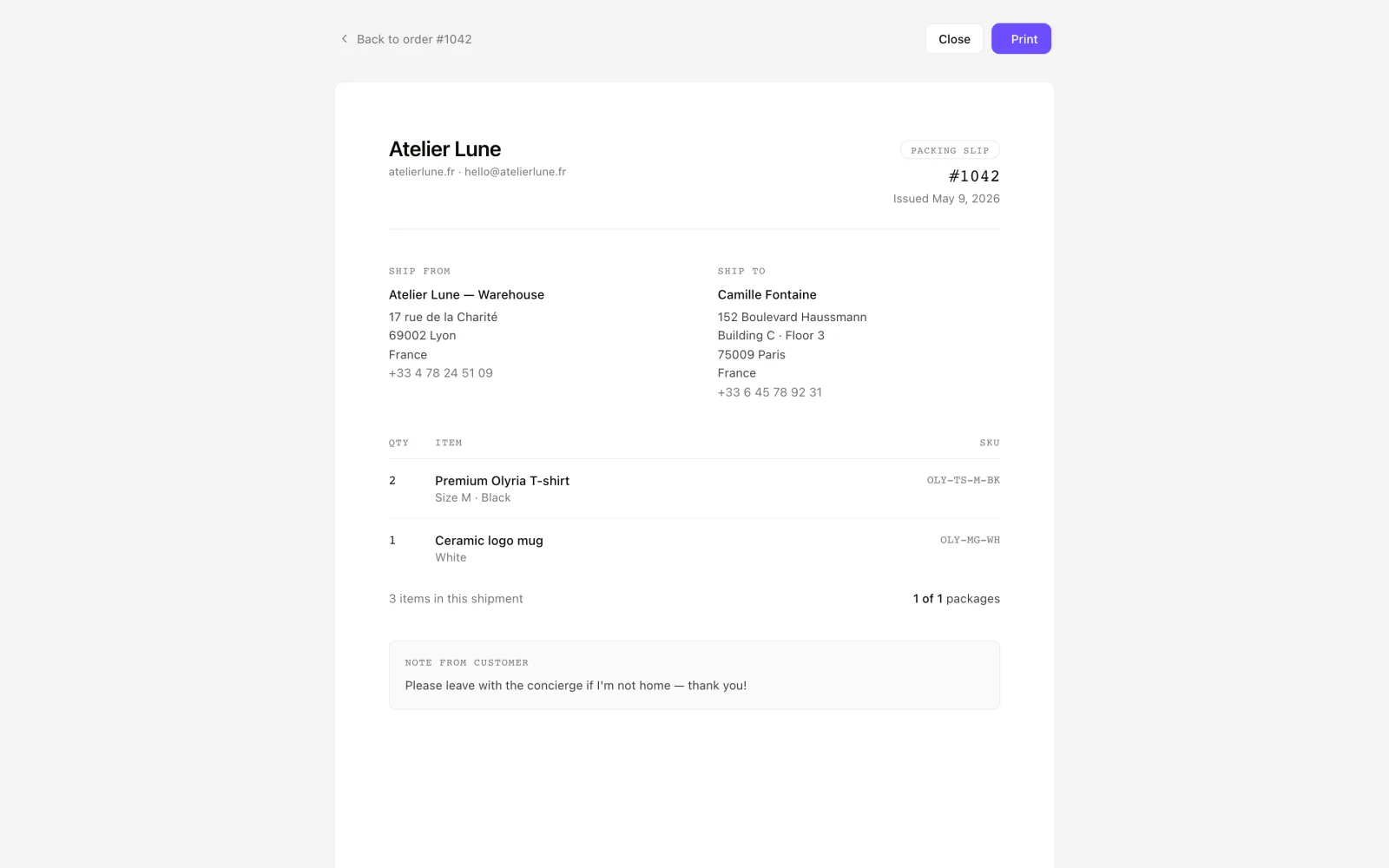
Packing slips ready to print
Generate a clean packing slip for each order with the sender address, the recipient, the items and their SKUs. Your packing team knows exactly what goes in the box.
- Ship from and ship to addresses
- Quantity, item, variant and SKU
- Number of items and packages in the shipment
- Note from the customer shown on the slip
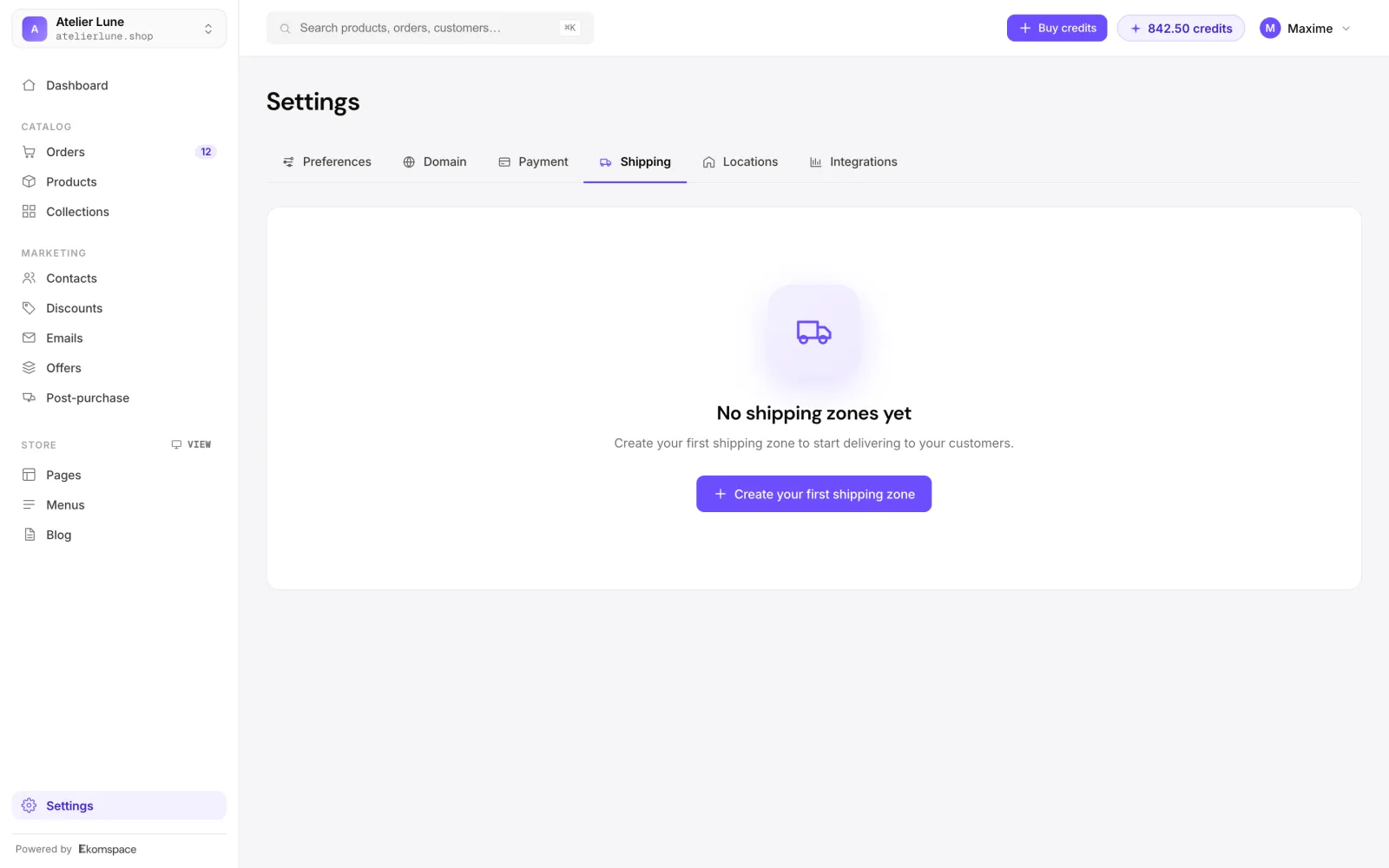
Shipping zones and automatic rates
Create shipping zones for the countries you deliver to, connect the integrated carriers and let Ekomspace calculate rates based on the location, weight and dimensions of each order.
- Shipping zones for the countries you deliver to
- Integrated carriers
- Automatic rates by location, weight and dimensions
- Several warehouses and locations to ship from
Shipping set up in three steps
Create your shipping zones
Choose the countries you deliver to and connect your carriers.
Let rates calculate themselves
Shipping costs are worked out at checkout from destination, weight and dimensions.
Process your orders
Print the packing slip, fulfil each order and get notified of new sales on the mobile app.
Frequently asked questions
Can I manage my orders from my phone?
Yes. The Ekomspace mobile app lets you manage your orders and get notified every time you make a sale.
How are shipping rates calculated?
You create shipping zones, then rates are calculated automatically from the delivery location, and the weight and dimensions of the order.
Can I ship from several warehouses?
Yes. When an order contains items stored in different locations, they are grouped by warehouse and each group is fulfilled separately.
How do AliExpress orders work?
Items linked to an AliExpress supplier appear in their own group in the order. Click "Order on AliExpress", for one order or in bulk, and the items land in your AliExpress cart with the customer's shipping details filled in. You pay on AliExpress, and the tracking number syncs back to your store automatically.
Can I print packing slips?
Yes. Each order has a printable packing slip with the sender and recipient addresses, the items, their SKUs and any note left by the customer.
Explore more features
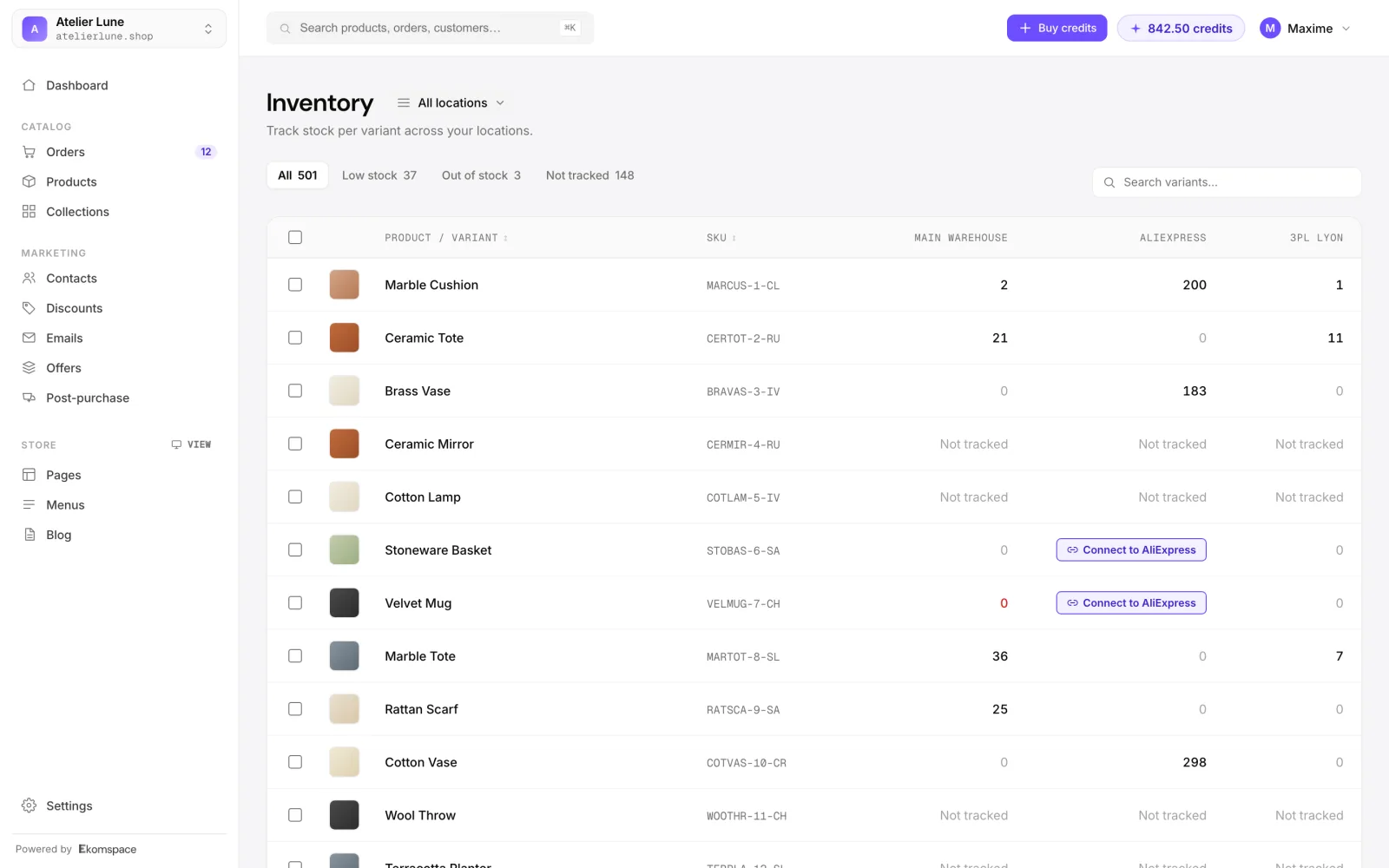
Products & inventory
Products, variants, stock per warehouse, low-stock alerts, automated collections, size guides and import.
Learn more → AliExpress dropshipping
Order on AliExpress in one click, one order or in bulk, with addresses filled in and tracking synced back. Built in, no extra app.
Learn more →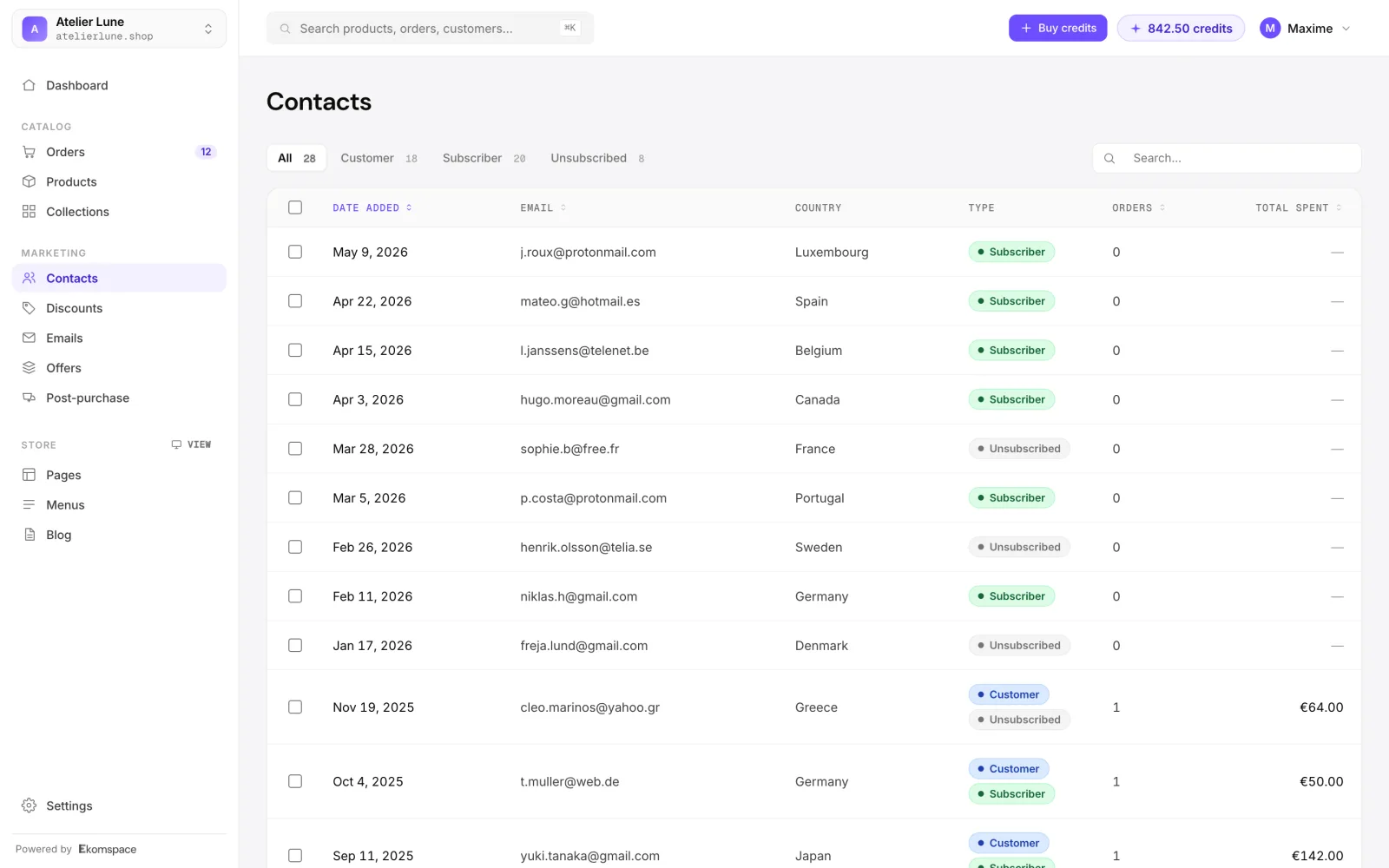
Customer management
Customers and subscribers in one CRM, with order history, total spent, consent and activity timeline.
Learn more →Ship your orders without the hassle
- Clear orders list with payment and fulfilment status
- Fulfilment per warehouse
- Printable packing slips
- Shipping zones and automatic rates