
Your blog,
written while you sell.
Switch on the autopilot, choose how many articles you want and when they go live. The AI writes them and publishes them on your store's blog, so your content keeps growing without taking your time.
An SEO agent on autopilot
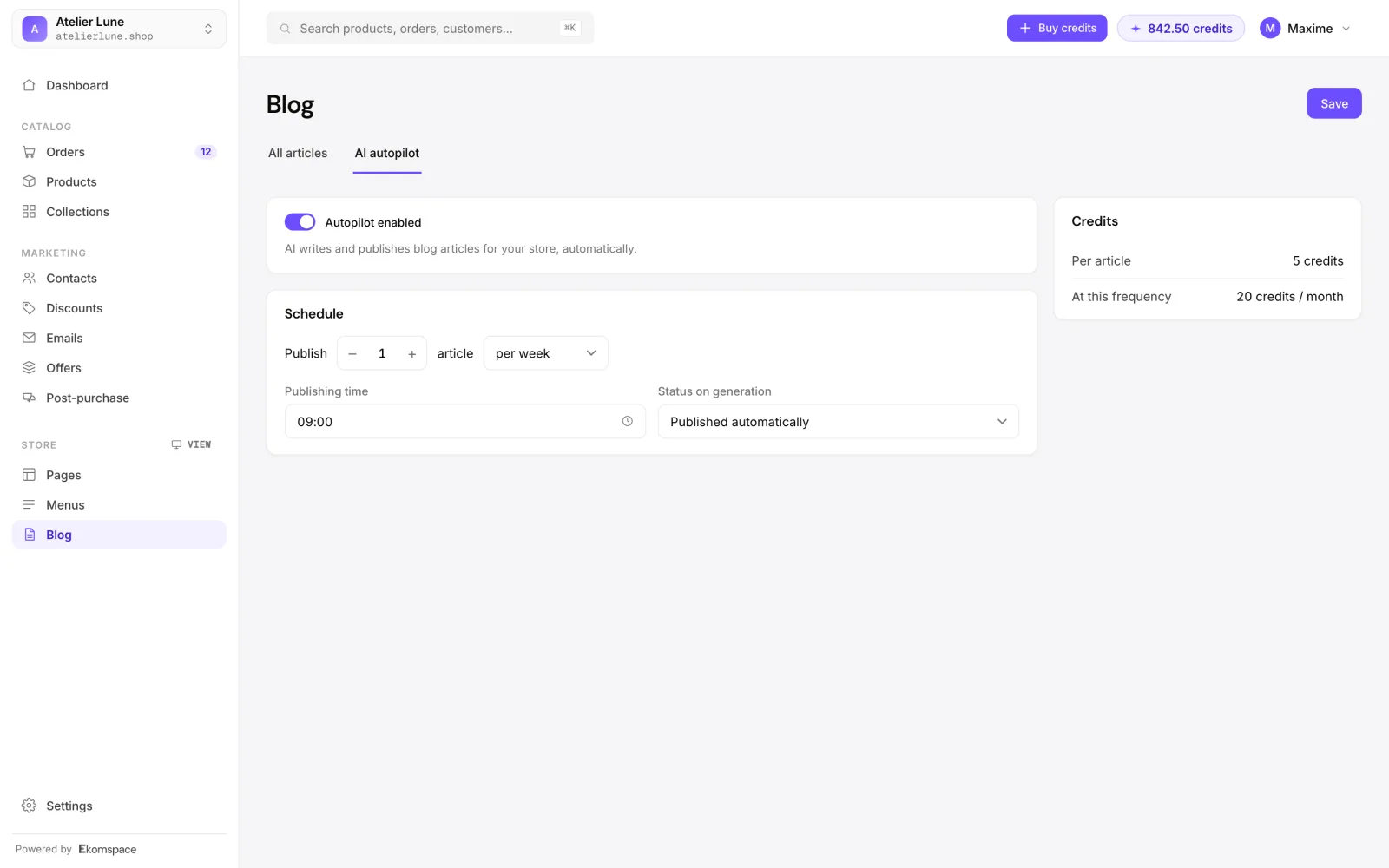
The AI writes and publishes articles for your store automatically. You set the pace once, it keeps going.
You stay in control
Publish straight away or keep each new article as a draft to review, edit and approve before it goes live.
A clear cost per article
Each article uses a fixed number of credits, shown on screen with the monthly total for your chosen frequency.
Everything you need to run a store blog
The autopilot, the article editor and the search tools all live in the Blog section of your dashboard. No plugin, no separate CMS.
Set the pace, the AI does the writing
Open the AI autopilot tab, choose a frequency and a publishing time, and save. New articles are written and added to your blog on their own.
- Choose how many articles to publish per week or per month
- Pick the time of day articles go live
- Publish automatically or save new articles as drafts
- 5 credits per article, with the monthly total calculated for you
- Switch the autopilot on or off at any time
All your articles in one place
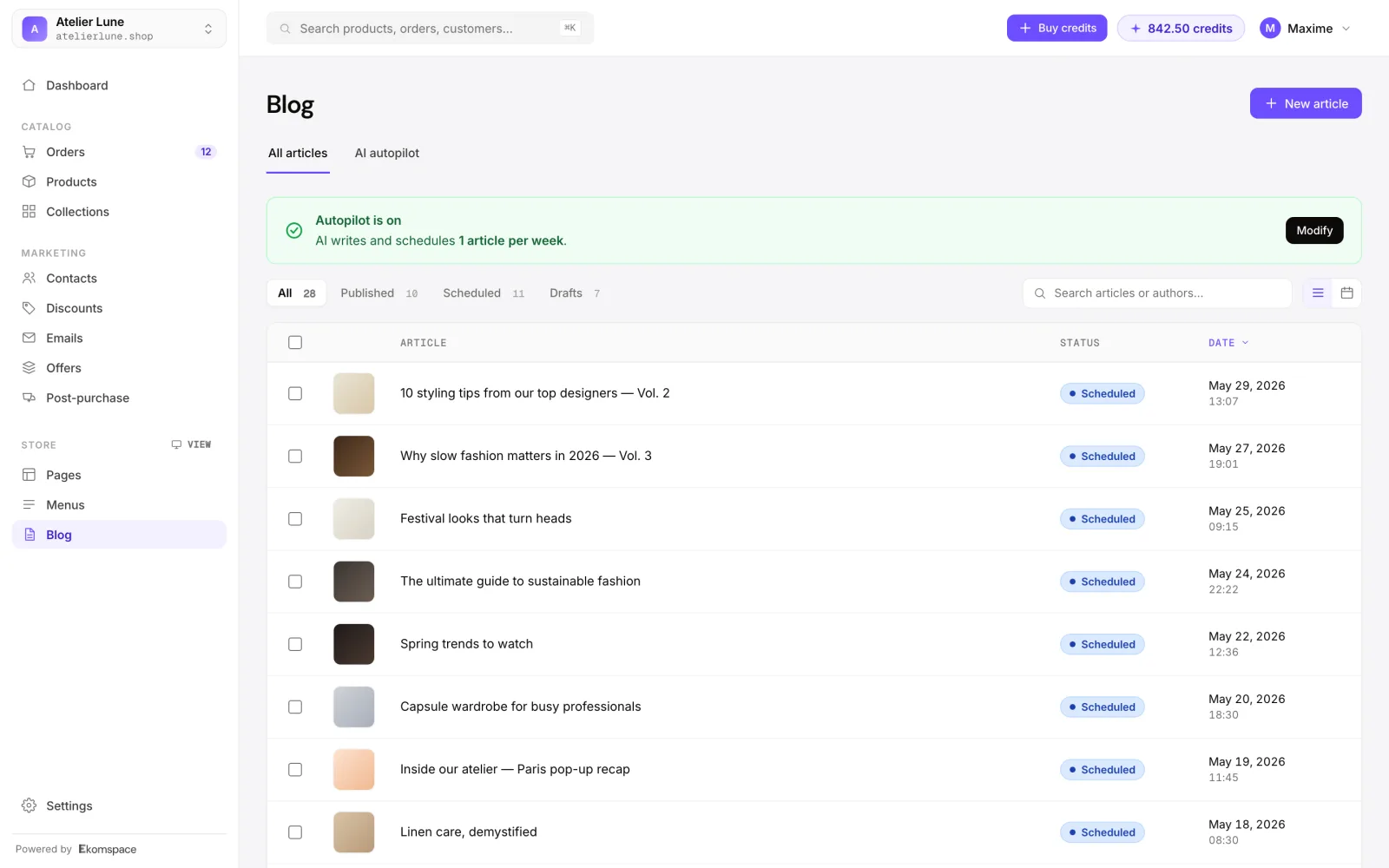
Articles written by the AI sit next to the ones you write yourself. Filter by status, search by title or author, and see what is coming up next.
- Published, scheduled and draft articles in separate tabs
- A banner reminds you the autopilot is on and at what pace
- Search articles or authors in one field
- List and calendar views of your publishing plan
An editor with SEO built in
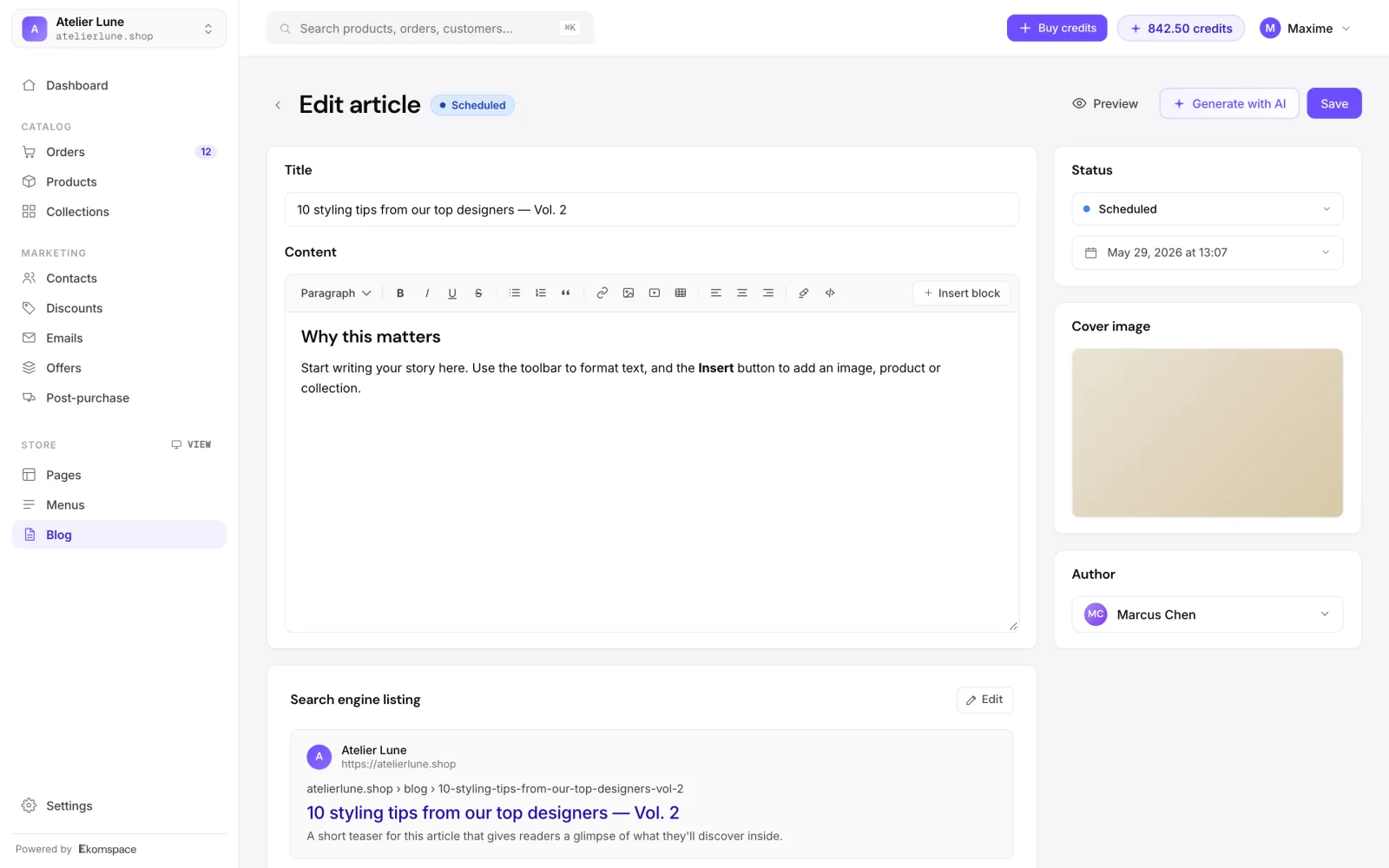
Open any article to rework the text, change the cover image or the author, and adjust how it appears in Google. Need a new draft from scratch? Use Generate with AI.
- Rich text editor with images, videos, tables and blocks
- Insert products and collections inside your articles
- Search engine listing with title, description and URL preview
- Status, scheduled date, cover image and author per article
Guided by your real Google data
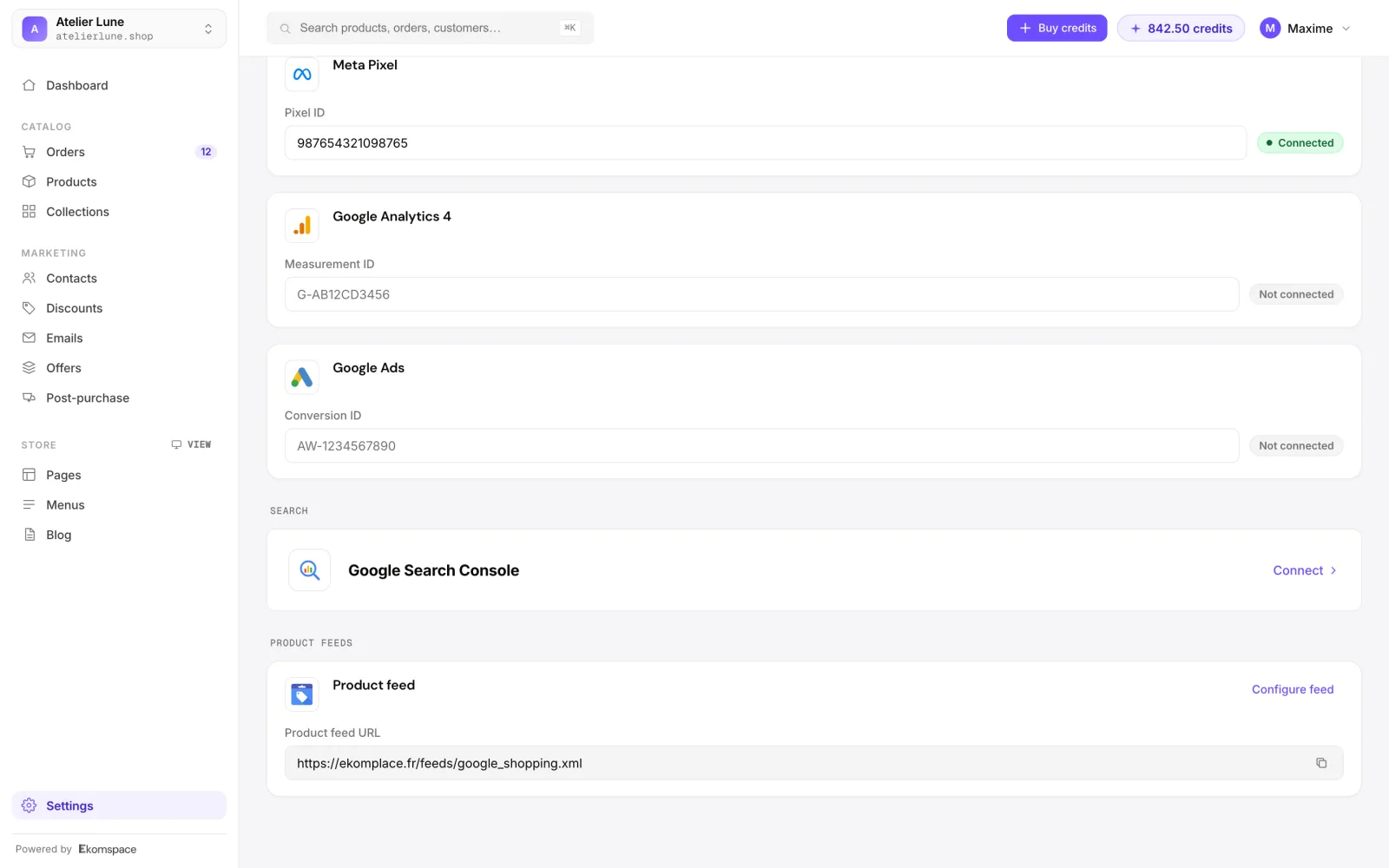
Connect Google Search Console from your settings. Ekomspace submits your sitemap, and above all the SEO agent gets your real ranking data: the queries, pages and positions it uses to decide what to write next and which articles to improve.
- Connect Google Search Console in a few clicks
- Your store's sitemap submitted to Google
- Queries, pages and positions used by the agent to choose topics and content to improve
- Meta Pixel, GA4 and Google Ads managed on the same screen
Your blog on autopilot in three steps
Turn on the autopilot
Open Blog, go to the AI autopilot tab and switch it on.
Choose your schedule
Set how many articles you want, the publishing time, and whether they go live directly or wait as drafts.
Connect and refine
Connect Search Console so the agent works from your ranking data, and review or edit articles whenever you want.
Frequently asked questions
What does the blog autopilot do?
It works like an SEO agent for your store: the AI writes blog articles and publishes them on your Ekomspace blog automatically, following the frequency and publishing time you set.
Can I check articles before they are published?
Yes. Set the status on generation to draft: every new article waits in your Drafts tab until you review it, edit it and publish it yourself.
How much does an article cost?
Each AI article uses credits from your balance: 5 credits per article. The autopilot screen shows the monthly total for your chosen frequency, and you can buy more credits from the top bar.
Will my articles rank on Google?
No tool can guarantee rankings. The autopilot helps you publish regularly, each article has its own SEO title, description and URL, and with Search Console connected the agent uses your real ranking data to decide what to write and which content to improve.
Can I still write articles myself?
Of course. The blog is a full editor: write your own articles, schedule them, or use Generate with AI on a single article. AI and manual articles share the same list.
Can I stop the autopilot?
Yes, switch it off at any time from the AI autopilot tab. Articles already published stay on your blog.
Explore more features
SEO & blog
Native SEO with live Google preview, sitemap, Search Console connection and an AI blog autopilot.
Learn more →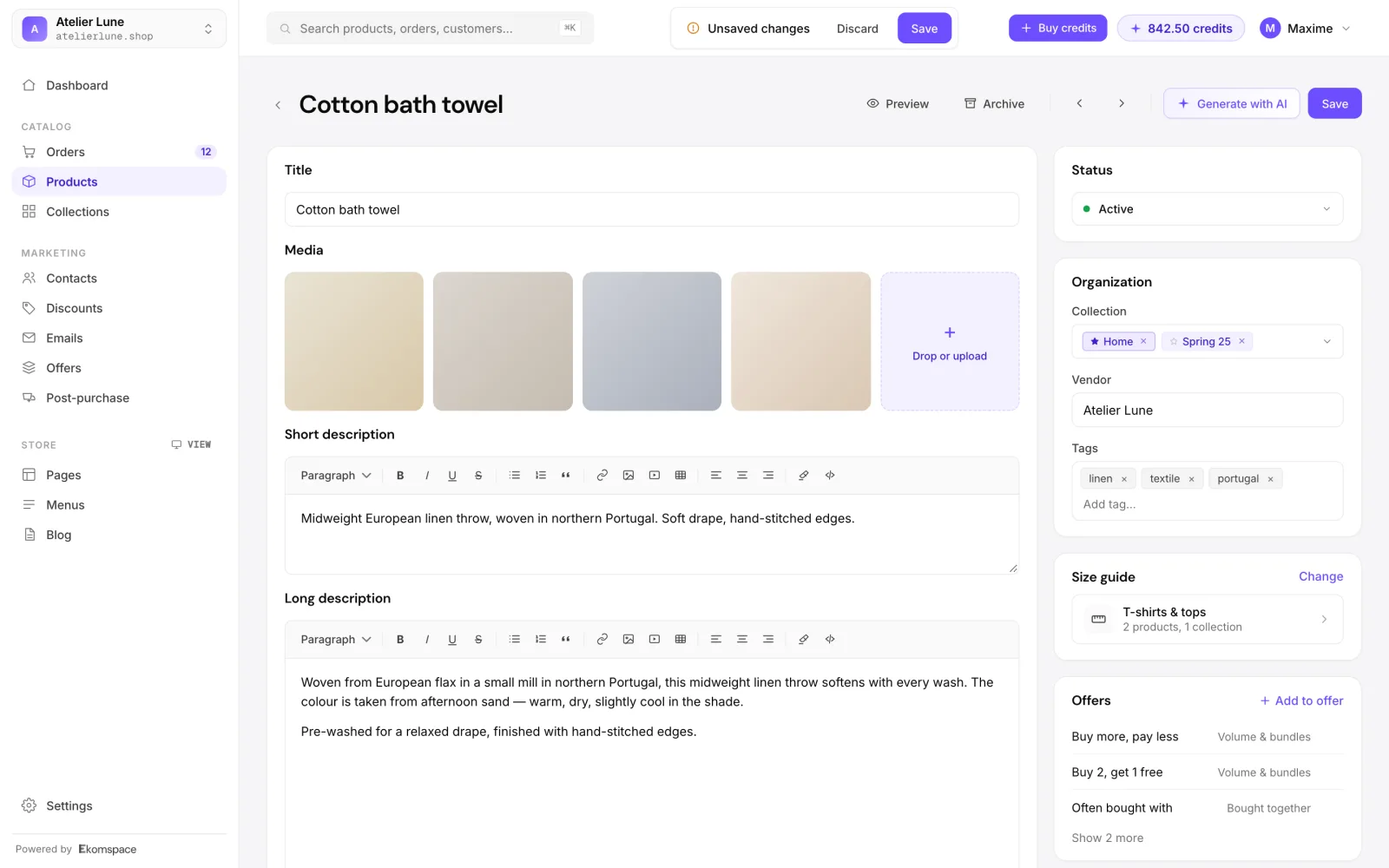
AI product descriptions
Generate product and collection descriptions with AI, right in your catalogue, then edit them your way.
Learn more →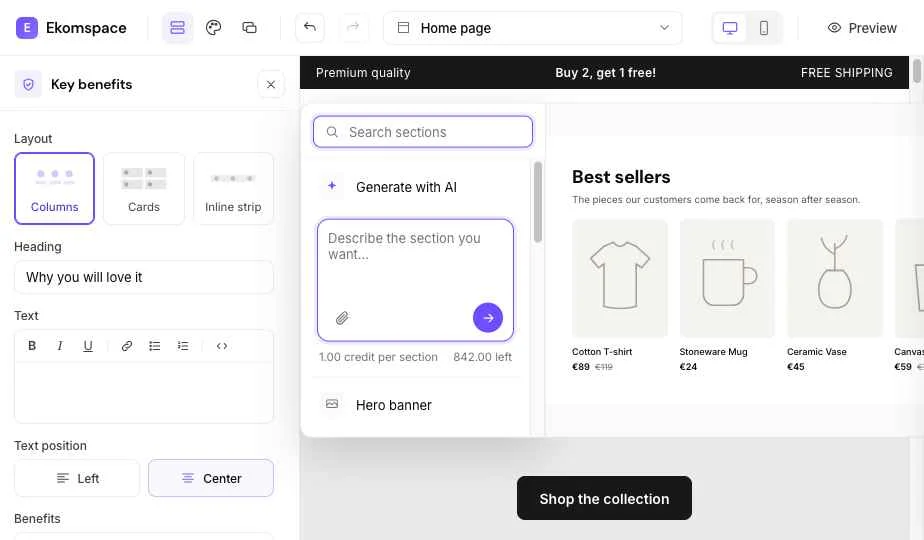
AI store builder
Describe what you need: the AI generates your whole store, with every page, product photos, logo and store name.
Learn more →Let your blog work while you sell
- Articles written and published by AI
- Your schedule, your publishing time
- Drafts to review before going live
- Guided by your Search Console data